Approval puts visits on the schedule.
The customer approves from their phone, and the recurring visits are created at the quoted frequency from the start date you set. Multi-service estimates can start each service on its own date.
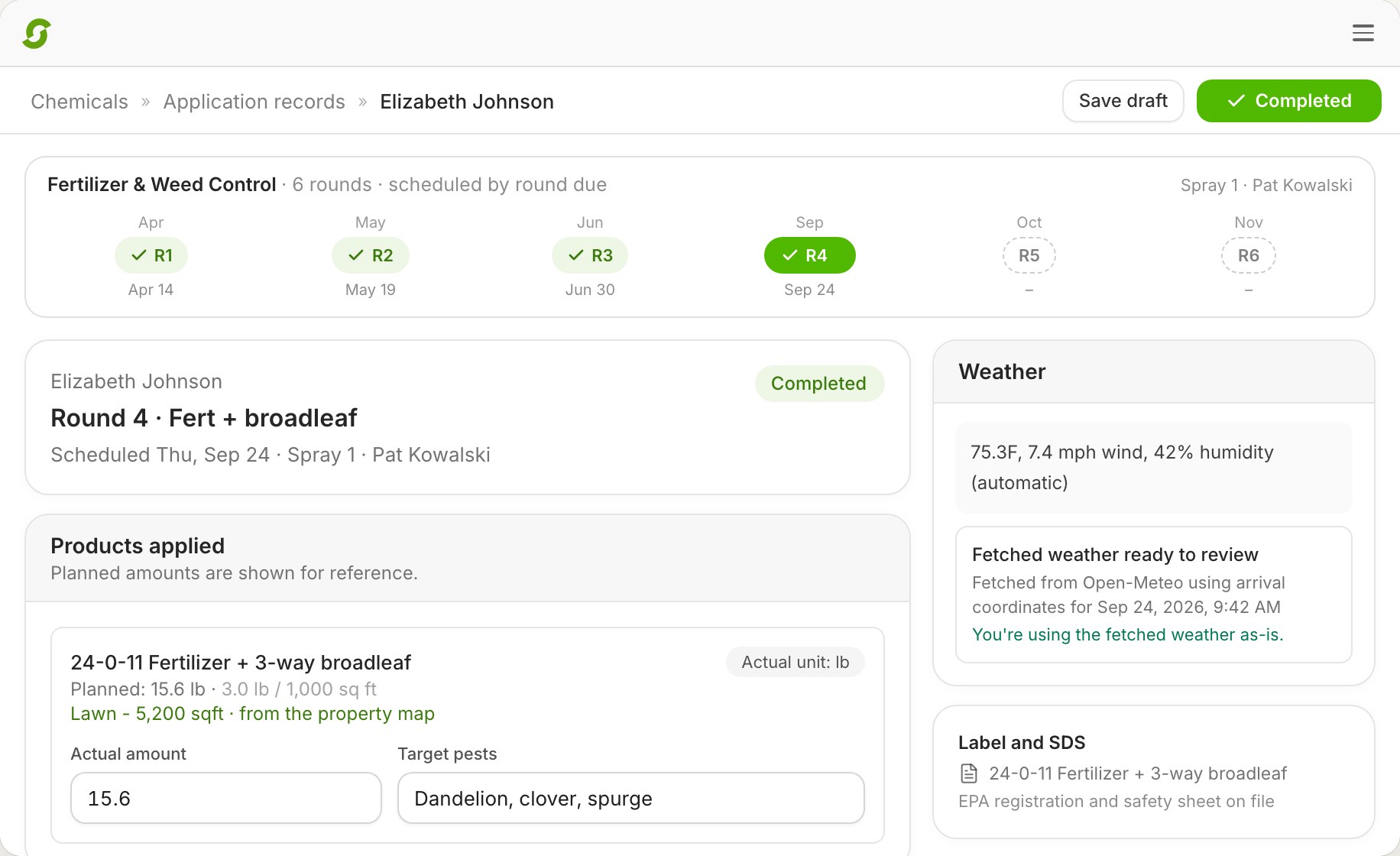
A mowing route recurs weekly. A fertilization program recurs by due window, six times a season. An install runs three days and might need a fourth. Snow runs when it snows. Shortcut schedules all four on one calendar and one dispatch board, and the crews' phones update when anything moves.
A 20-minute call to see if Shortcut fits how you run. Running 1–2 crews? Start a free trial
The problem at five crews
Mowing in one tool, spray rounds in a spreadsheet, installs on a whiteboard, snow in a group text. The office reconciles them by hand and the crews get four kinds of instructions. Scheduling software for multiple crews has to hold every kind of recurring work in one place and still let the office change one Tuesday without rewriting the season.
How Shortcut does it
The customer approves from their phone, and the recurring visits are created at the quoted frequency from the start date you set. Multi-service estimates can start each service on its own date.
Weekly, every other week, every N days, monthly, seasonal. Skip a visit or pause a job and resume it. Reschedule one visit or every future event; Shortcut asks which you mean.
Round templates of four to eight rounds, interval or seasonal, mosquito, each priced from the measured lawn.
Man-hour jobs span workdays: Day 3 of 6. Crews request another workday from the field. Installs run as Projects with phases, a deposit before the slot is held, change orders, and milestone billing.
A service with a trigger depth and a per-push depth ladder. Filter Dispatch by accumulation to see who's due; the price resolves from the ladder. On-call salting goes out by text.
Bulk reschedule a day, preview, apply, and text every affected customer. Night-before reminders go out on their own. Office notes for crews expire on their own. More on the board.
Compared
| Feature | Shortcut | LMN | Service Autopilot | RealGreen |
|---|---|---|---|---|
| Where you schedule | One board for every crew, plus a calendar | Jobs page, Whiteboard, Calendar1 | Dispatch board2 | Dynamic Routing, worked in separate SA5 screens3, 4 |
| One job over several days | Yes, Day 3 of 6; crews request another day | Schedule templates, time factors | Multi-day jobs with budgeted hours2 | No, per a February 2026 review4 |
| Snow dispatched by accumulation | Yes | Manual scheduling5 | A separate Snow Dispatch Board6 | — |
Competitor cells reflect public pages, help documentation, and verified reviews as of October 2, 2026.
Pricing, switching, and what Shortcut does today, in plain words.
Yes. Mowing recurs at the frequency you set; programs recur as rounds scheduled by due date and priced from the measured lawn. Both run on the same dispatch board.
The recurring visits are created from the start date you set, at the quoted frequency, and the customer moves from prospect to customer in the CRM.
Yes. Shortcut asks whether you mean this visit or every future event from that date.
Due rounds sit in the Unscheduled pool as past due, due soon, or due later. A round that is due with nothing scheduled shows on Needs attention as Chemical due.
Yes. Hourly and man-hour jobs span workdays, and crews can request another workday from the field.
Yes. Snow is a service with a trigger depth. Filter Dispatch by accumulation to see who's due; the price resolves from the depth ladder; the weather at dispatch is stamped on the visit.
Their stops for the day in the app, in order, with Added or Moved on any card the office changed today.
$180 per crew per month, or $144 billed yearly, with everything included and unlimited users.
Book 20 minutes with the team that built Shortcut. Bring your program list and your mowing routes and we'll put them on one calendar.
Rather skip the form? Open the calendar. Running 1 or 2 crews? Start a 14-day free trial, no card.